Change The Maximum Number Of Tile Rows On Start Screen
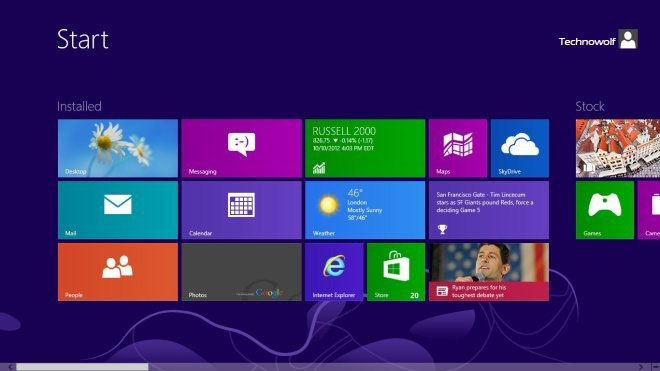
The Start Screen of Windows 8 displays shortcuts to the installed apps in the form of colorful tiles. The tiles can be used to quickly access your favorite programs. If you install a news app, its live tile will display the latest headlines. You can move the tiles around, create groups for similar types of tiles and resize the tiles. When you open the Start Screen, Windows 8 detects the resolution of your monitor and decides the total rows of tiles that will be displayed on the start screen. There is no default option to control the maximum number of rows, so, if you want, you can not have a fewer number of rows. However, a simple registry hack allows you to control the maximum number of rows that will be displayed on the Start Screen. In order to set a maximum limit for the number of tile rows, navigate to the following registry key.
HKEY_CURRENT_USER\Software\Microsoft\Windows\CurrentVersion\ImmersiveShell\Grid
Right click in the main window, select New, and create a new DWORD (32-bit) Value. Now, rename it toLayout_MaximumRowCount. and then open the key to set the custom maximum number of rows. You can restart or log off your computer to implement the changes. On a monitor with 1920 x 1080 resolution, you can get up to 6 rows of tiles on the Start Screen.
TKB:1024